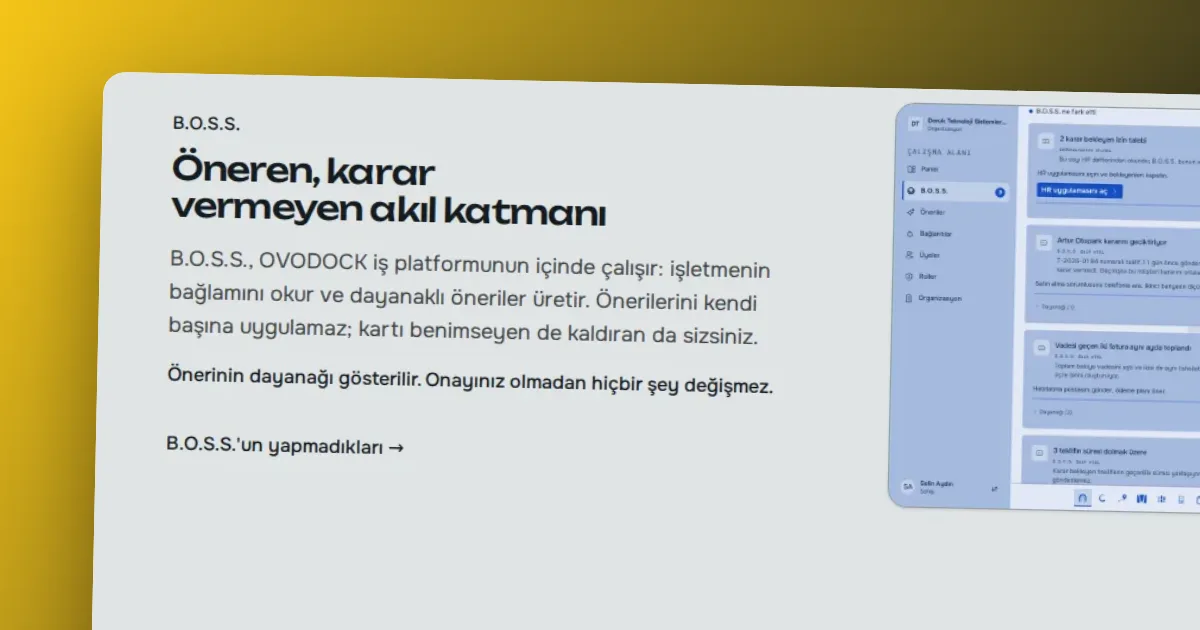
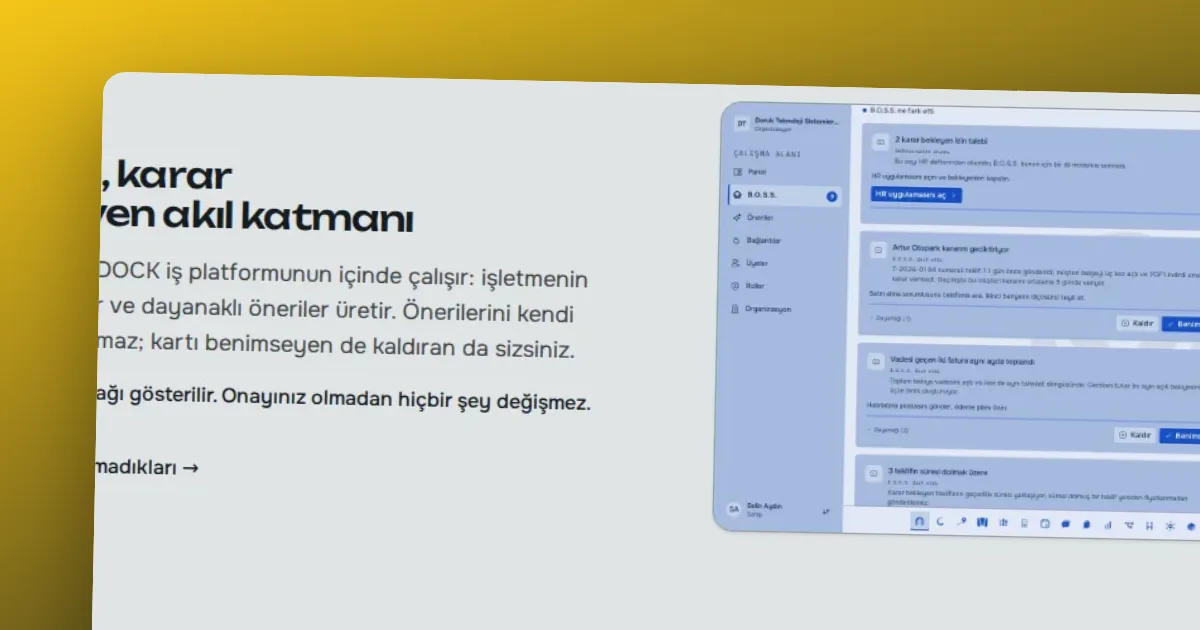
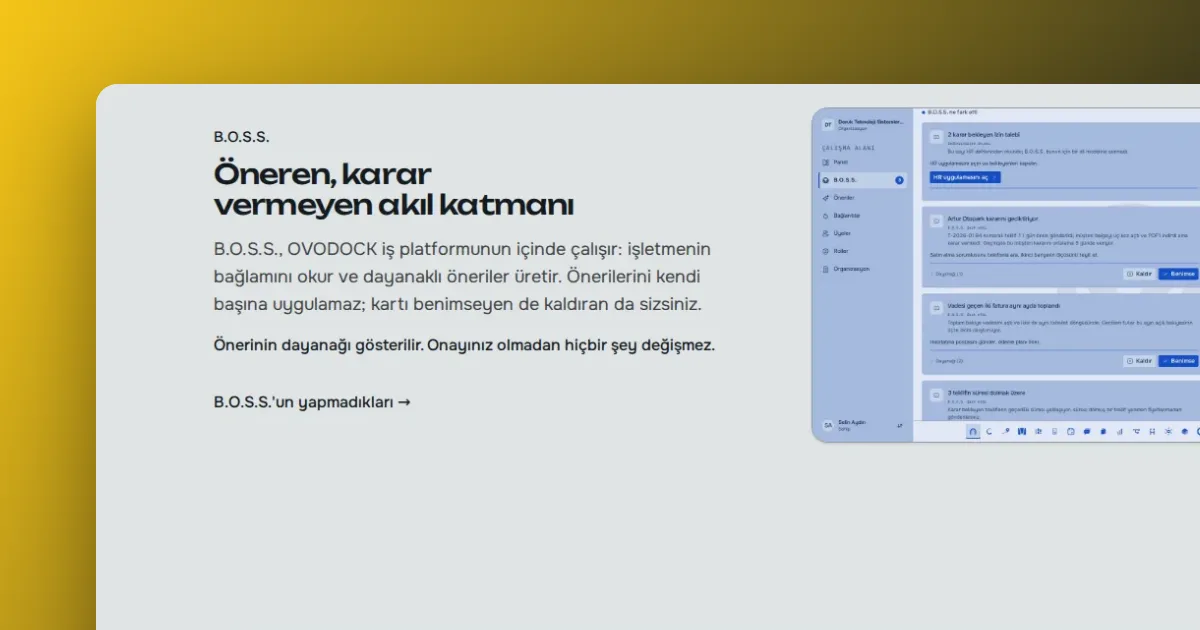
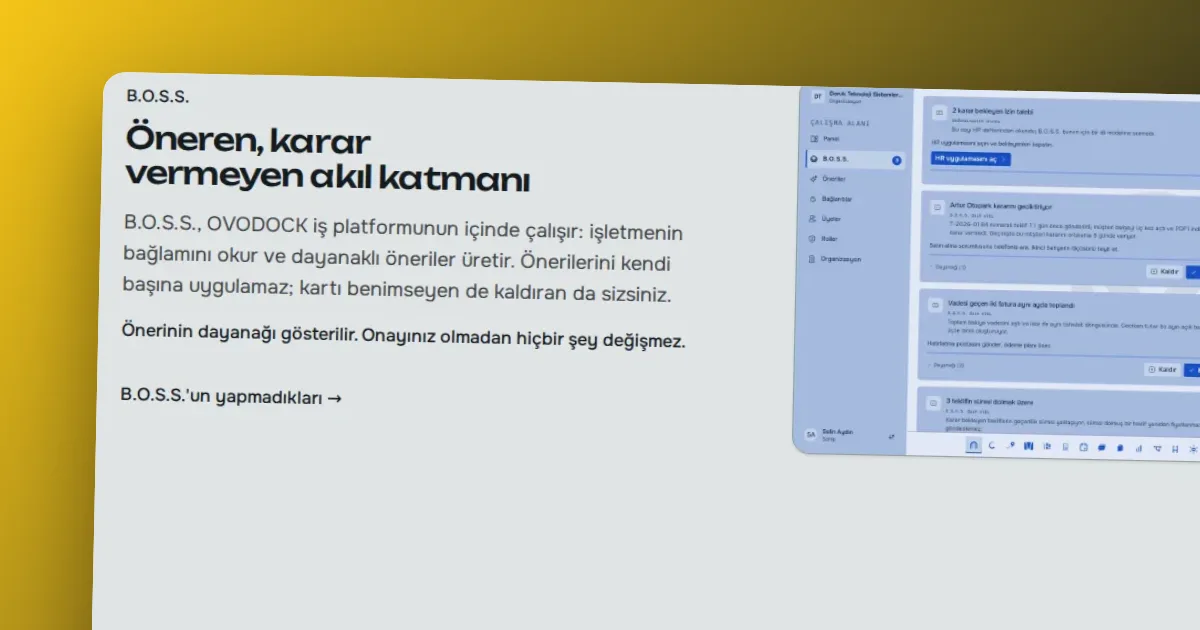
In short: In OVODOCK's quote form the "Review quote" button reads the quote and writes the gaps in your language. It does not change the quote and does not store the reply; you make the correction. AI is valuable as a second pair of eyes, but the last pair is yours.
What does the review assistant do?
When you choose "Review quote" while filling in the quote form, B.O.S.S. reads the quote and writes the places it sees as missing or inconsistent: for example a field left empty, a mismatch between an item and the total, or information the customer is expected to see but that is not written. The reply is written in your language.
What does it not do?
- It does not change the quote. The assistant only writes suggestions; no field in the quote changes by itself.
- It does not store the reply. The review reply is not written to the database.
- It sends nothing to the customer. Sending the quote is always your action.
- It does not decide. You decide which of the suggestions is right.
How do I use the review step by step?
- Prepare the quote as usual: customer, items, price, VAT, validity period.
- Choose "Review quote".
- Read the reply. For each point ask yourself: is this really a gap?
- Correct the real gaps yourself.
- Ignore the points you find wrong; the assistant can be mistaken.
- Read the quote once yourself and send it.
Using AI review properly
AI review is most useful in two situations. The first is catching tedious, mechanical mistakes: a forgotten field, an inconsistent date, a missing unit. These are things a human eye misses but a machine catches easily. The second is providing a second look: the person who wrote the quote is used to their own text and cannot see the gap; an assistant behaving like a reader reduces this blindness.
AI review is useless or harmful in these situations: making a commercial decision (should I give a discount?), approving legal adequacy (is this contract clause enough?) or understanding the customer's need. These are jobs for human judgement.
A quote checklist
Whether or not you use the assistant, check these before sending a quote:
| Check | Question |
|---|---|
| Customer | Are name, title and contact details right? |
| Items | Is each item clear, are quantity and unit price right? |
| Totals | Do subtotal, VAT and grand total add up? |
| Validity | Is the validity date written? |
| Terms | Are payment, delivery and cancellation terms written? |
| Language | Is it in the language the customer will read? |
| Tone | Is it clear and respectful, with no needless promises? |
What should I watch for on privacy?
During review the text of the quote goes to the AI model. As the model card says, this means the information in the quote may be subject to free-tier provider terms. For a very sensitive quote (for example confidential pricing), choose to use this feature by a conscious decision. For the model card see What does B.O.S.S. send to the model.
A last check before it goes to the customer
When a quote is sent, the customer sees it on the login-free customer page. Correcting a mistake after sending means telling the customer separately; so fixing a gap the assistant caught before sending is much cheaper than explaining afterwards.
Measurement
We do not publish verified numbers for how many gaps the review assistant caught or how many users took its result as their own, because we have not yet measured these reliably. When we publish the first measurements this paragraph will be updated.
Ready? Prepare a quote in OVODOCK.